image converters
Convert images to the format you need
Optimal Convert converts any image you can drop — JPG, PNG, WebP, HEIC, SVG, GIF, AVIF, BMP, ICO and multi-page TIFF — to JPG, PNG, WebP, TIFF or a multi-page PDF, in one batch if you like. Everything runs locally in your tab: libheif WebAssembly for HEIC, pure-JS utif for TIFF, gifenc for GIF, and the browser’s own pipeline for the rest. No uploads, no account, no size limits, and it works offline after the first load.
- HEIC and multi-page TIFF decoded on device
- Animated GIF re-encodes every frame — GIF → PDF keeps them as pages
- Combine several images into one multi-page PDF
- Unlimited conversions — no queues, no watermarks
Images converters
Every image converters Optimal Convert supports, with its own page and a preconfigured converter.
More converters
Popular guides
Plain-English explainers of the formats in this hub — what each one is for and when to convert.
JPG vs PNG — which image format?
JPG vs PNG explained: compression, transparency, file size, and when each wins. Convert between them online — free, in your browser, no uploads.
Read the guide →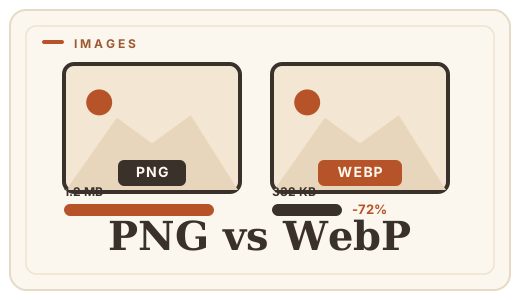
PNG vs WebP — which to ship?
PNG vs WebP explained: WebP matches PNG’s losslessness at roughly half the file size. See when to switch — then convert PNG to WebP with a free PNG format converter that runs entirely in your browser.
Read the guide →
What is WebP?
WebP is Google’s image format that makes web images 25–35% smaller with no visible quality loss. A plain-English explainer — and how to convert images to WebP online, free, in your browser.
Read the guide →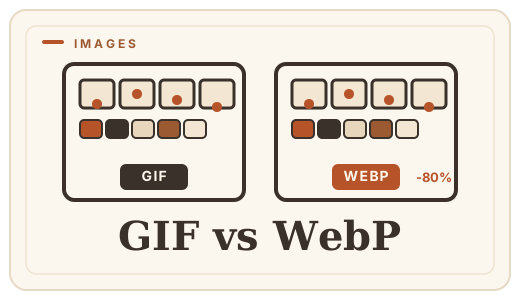
GIF vs WebP — animated images
GIF is heavy and stuck at 256 colors; WebP animates at a fraction of the size. See the real differences and convert images free, in your browser.
Read the guide →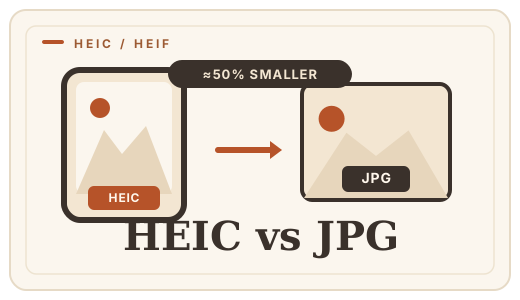
HEIC vs JPG — iPhone photo compatibility
Why your iPhone saves HEIC, when it becomes a problem, and how to convert HEIC to JPG online in your browser — free, no uploads, no app to install.
Read the guide →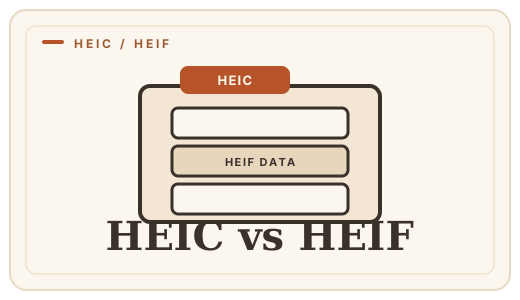
HEIC vs HEIF — explained
HEIC and HEIF are the same codec in different containers. A plain-English explainer, plus a free online converter that turns HEIC into JPG or PNG, no uploads.
Read the guide →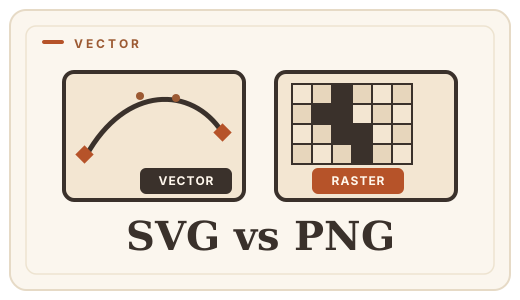
SVG vs PNG — vector or raster?
SVG scales to any size; PNG stays sharp at one. Learn which you need for logos, icons, and photos — and convert SVG to PNG free, in your browser.
Read the guide →
How to convert HEIC to JPG on any device
Convert HEIC to JPG online in your browser — no app to install, no photo uploaded. Step-by-step for every device.
Read the guide →
How to make a PDF from images
Turn JPG, PNG, WebP or HEIC photos into a single PDF in seconds, entirely in your browser. Step-by-step guide, no account, no upload.
Read the guide →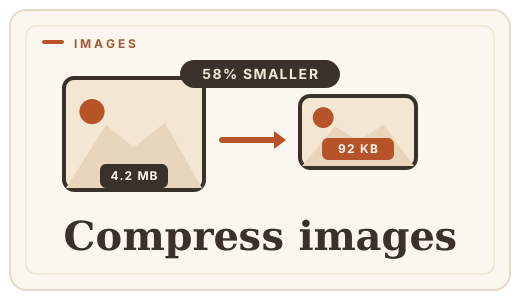
How to compress images online
Shrink large photos without uploading them — convert JPG to WebP or PNG to WebP free, in your browser, and honest about quality.
Read the guide →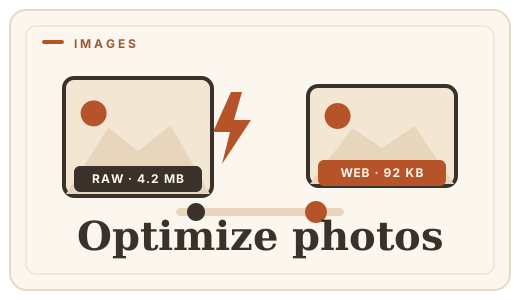
How to optimize photos for the web
Cut page weight without visible quality loss — convert photos to WebP or re-encode to JPG free, in your browser. An honest guide, no uploads.
Read the guide →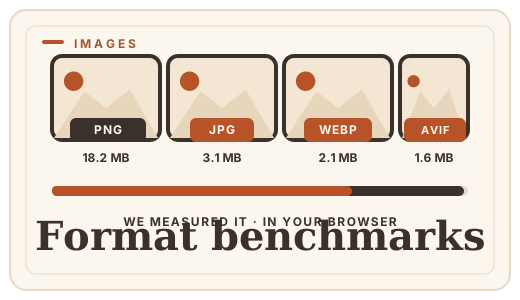
Image format benchmarks 2026
Real file-size numbers for WebP, JPG, PNG, and AVIF at equal visual quality, measured in-browser. No upload, no server — just data.
Read the guide →
Best free image converter 2026
The best free image converters in 2026 that run in your browser with no upload. Compare features, privacy and speed — and try them directly on this page.
Read the guide →Private by design
This page runs entirely in your browser. Files are read, converted and saved on your own device using WebAssembly and the browser’s native codecs — nothing is uploaded, there is no account, and your bytes never leave your machine. Not even we can see them.