image formats
GIF vs WebP: animated images, minus the GIF baggage
If a picture is worth a thousand words, a GIF is worth a thousand upvotes. It is also, unfortunately, a 1980s format doing a 2020s job: animated GIFs are big, capped at 256 colors, and have no real transparency. WebP does the same job far better — it animates, it compresses frame-by-frame like video, and it fits more color than a GIF can dream of. The catch is that not every destination knows it. This guide covers what actually differs, when GIF is still the right call, and how to convert MP4 to WebM — or convert a GIF to PNG — entirely in your browser.
What GIF actually is
GIF dates to 1987. It stores a frame as a palette of at most 256 colors — for photographs that is a visible loss, and gradients band horribly. Its compression is simple and lossless within that palette, but it has no concept of "this frame is the same as the last one", so every frame of an animation is stored more or less in full. That is why a ten-second clip as an animated GIF can be 10–20 MB while the same clip as video is under a megabyte.
GIF also only does 1-bit transparency: a pixel is either fully transparent or fully opaque, so soft edges — like anti-aliased text or a drop shadow — get an ugly hard fringe.
The comparison
| GIF | WebP (animated) | |
|---|---|---|
| Colors per frame | 256 (8-bit palette) | 16.7 million |
| Compression | Lossless within the palette | Lossy or lossless, frames compare to their neighbors |
| Transparency | 1-bit (hard edge only) | Full alpha |
| Typical size for the same loop | Baseline | Roughly 2–4× smaller |
| Support | Universal | Chrome, Edge, Firefox, Safari 14+ |
| Loops | Yes | Yes |
Why GIF survives anyway
Because it works everywhere and everyone can make one. Email clients, forums, chat apps and social platforms have swallowed GIFs for two decades, and most image tools still default to exporting them. If a destination will not accept WebM or WebP, GIF is still the universal envelope.
That is fine for small, simple loops — a tiny bounce animation or a reaction sticker at a few hundred KB is not worth agonizing over. The pain starts when the animation is long, colorful, or important enough that file size matters.
When WebP wins
- Longer or larger animations — the size gap grows with the duration and the frame count.
- Anything with gradients, photos or many colors — GIF quantizes them to 256 and they band.
- Smooth transparency — WebP handles soft edges and shadows properly.
- Video-sourced clips — re-encode the MP4 to WebM and you have web-native animation at a fraction of a GIF’s weight.
Converting in your browser
If you have a video clip and you want it as a lightweight web animation, convert MP4 to WebM — the same visual idea at a fraction of the size. Already have a GIF and need a still image? Convert it to PNG (animated GIFs decode to their first frame). For any other GIF job, the image converter takes GIF input and writes JPG, PNG or WebP. All of it runs on your device — nothing is uploaded.
Frequently asked questions
Does every browser support animated WebP?
Chrome, Edge, Firefox and Safari 14+ decode WebP including animation. The stragglers are old email clients and some legacy apps — exactly the places where GIF still earns its keep.
Why are GIF files so much bigger than video?
GIF has no temporal compression: every frame is stored mostly in full and colors are capped at 256. Modern formats compare each frame to its neighbors and only store the difference, which is why video and WebP animation are so much lighter.
Can I make a WebP animation here?
This site converts files you give it — it does not create GIFs or WebM from scratch. If you have a video clip, [convert MP4 to WebM](/convert/mp4-to-webm) and use the WebM as your lightweight web animation.
Is GIF dead, then?
Not for tiny loops and universal destinations. For anything with motion, color or length, WebP (or WebM for video) does the same job at a fraction of the size.
Convert it
Each conversion runs in your browser — free, unlimited, and nothing is uploaded.
Share this guide
Ready-made social images for this post — sized for Facebook/Open Graph, Instagram and Pinterest. They match the card link previews show, and the same art is rendered locally for every format below.
Facebook · Open Graph
og:image — also LinkedIn, X and Slack previews
Download PNG
Instagram feed
square post · 1080px is Instagram’s native size
Download PNG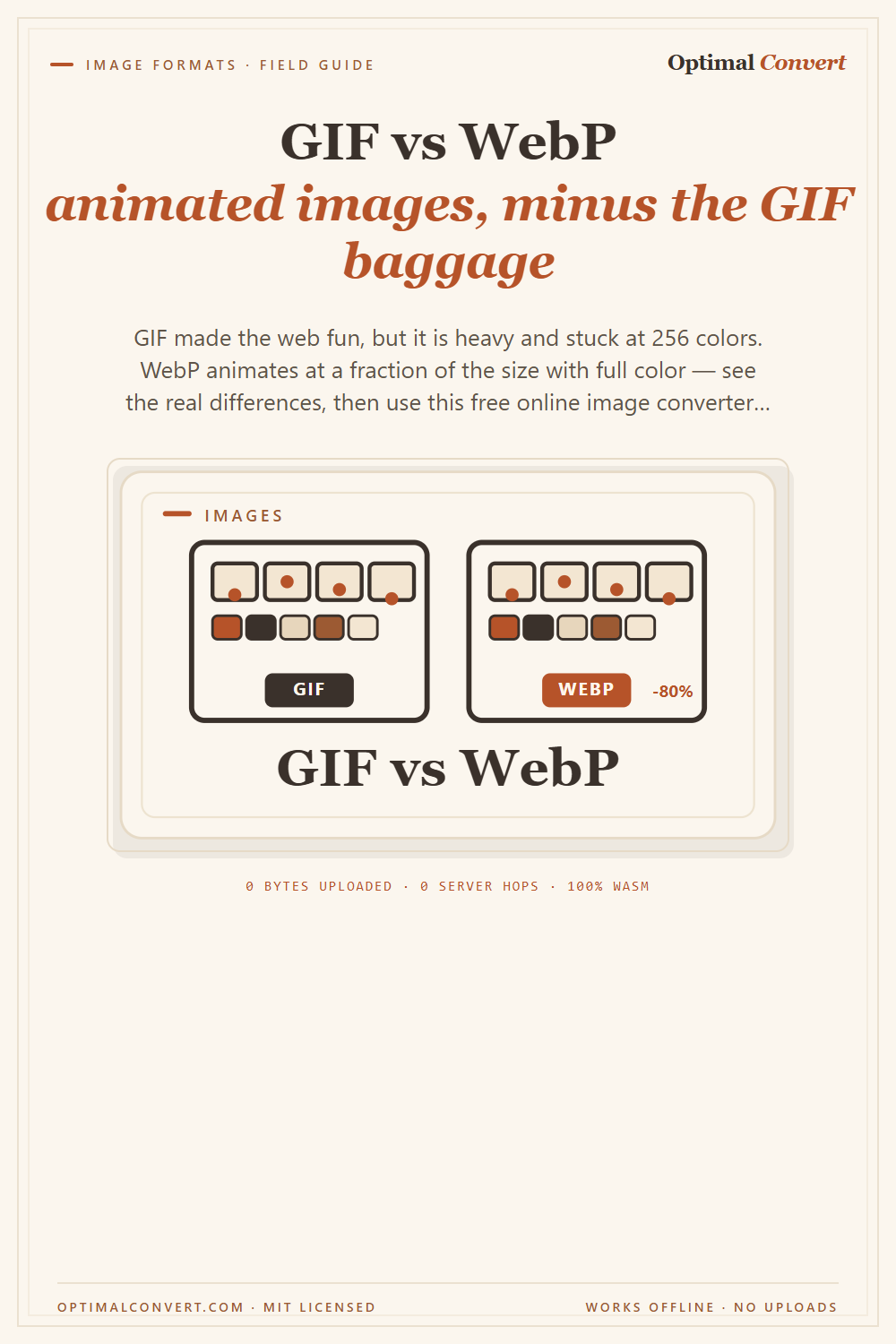
Pinterest pin
2:3 ratio · Pinterest’s recommended pin size
Download PNGKeep reading
What is WebP?
WebP is Google’s image format that makes web images 25–35% smaller with no visible quality loss. A plain-English explainer — and how to convert images to WebP online, free, in your browser.
Read the guide →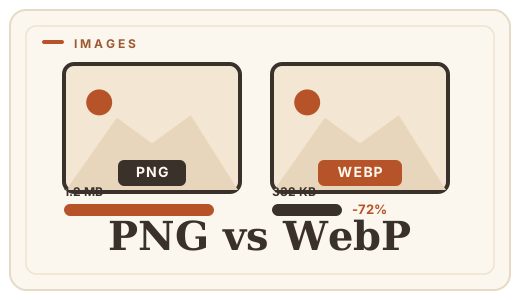
PNG vs WebP — which to ship?
PNG vs WebP explained: WebP matches PNG’s losslessness at roughly half the file size. See when to switch — then convert PNG to WebP with a free PNG format converter that runs entirely in your browser.
Read the guide →
WebM vs MP4 — video container?
WebM is lighter and royalty-free; MP4 is the compatibility king. See the trade-offs and convert MP4 to WebM free, in your browser, no uploads.
Read the guide →