image formats
What is WebP? The modern web image format, explained
WebP is a modern image format designed for one job: carrying web images with less data than the 1990s formats that preceded it. "Less data" is not a minor win — for a typical page, images are the largest download by far, so a 30% reduction in image size translates directly into faster pages, lower bandwidth bills and better Lighthouse scores. And you get that saving without a visible quality difference, because the format is simply better at describing images.
How WebP shrinks images
WebP is not one codec but two, sharing a single container. The lossy mode borrows from VP8/VP9 video compression — it predicts each block from its neighbors and only stores the difference, which is far more efficient than the block-by-block DCT approach JPG uses. The lossless mode uses spatial prediction, a palette for flat-color regions, and entropy coding to shrink data with zero loss.
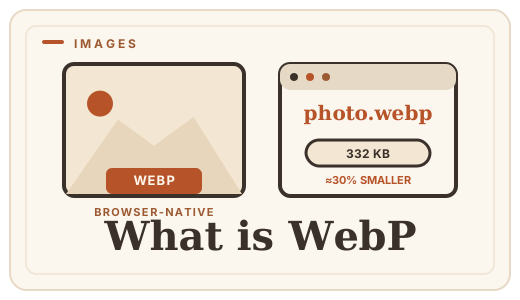
The result: at equal visual quality, a lossy WebP is typically 25–35% smaller than a JPG, and a lossless WebP is typically 25–35% smaller than a PNG. You can also combine the two — a lossy WebP with an alpha channel — which is something JPG cannot do at all.
What you can do with it
- Photos at JPG quality but smaller files — the everyday win.
- Logos and screenshots with transparency, like PNG but lighter.
- Animated images, a direct alternative to animated GIF at a fraction of the size.
- One file extension that browsers, CMS platforms and image libraries all accept natively.
Where it sits in your workflow
Most people never need to think about WebP — their CMS and image tools encode it automatically. You encounter it directly when you download a WebP file from a website and a tool refuses it, or when you are optimizing a page by hand and want smaller images.
In both cases, conversion is quick and lossless-safe: JPG to WebP for photos, PNG to WebP for graphics with transparency, and WebP back to PNG or JPG when a destination needs the older format. All of it runs in your browser.
Frequently asked questions
Is WebP supported by all browsers?
Yes — Chrome, Edge, Firefox and Safari 14+ all decode WebP natively, as do most image editors and CMS platforms. You only run into trouble with very old email clients or specialized software.
Is WebP better than JPG?
For the same visible quality, WebP is usually 25–35% smaller. JPG remains perfectly fine, but if file size matters — and on the web it almost always does — WebP is the better default.
Does WebP lose quality?
Only if you use the lossy mode, exactly like JPG. The lossless mode stores identical pixels. Optimal Convert converts to WebP losslessly by default, so what you put in is what you get out.
How do I convert a WebP file?
Use Optimal Convert’s converter — [WebP to PNG](/convert/webp-to-png) or [WebP to JPG](/convert/webp-to-jpg). It runs entirely in your browser, so the file never leaves your device.
Convert it
Each conversion runs in your browser — free, unlimited, and nothing is uploaded.
Share this guide
Ready-made social images for this post — sized for Facebook/Open Graph, Instagram and Pinterest. They match the card link previews show, and the same art is rendered locally for every format below.
Facebook · Open Graph
og:image — also LinkedIn, X and Slack previews
Download PNG
Instagram feed
square post · 1080px is Instagram’s native size
Download PNG
Pinterest pin
2:3 ratio · Pinterest’s recommended pin size
Download PNGKeep reading
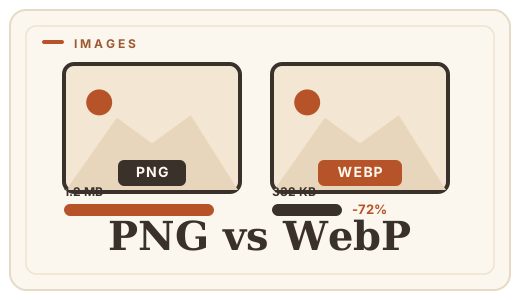
PNG vs WebP — which to ship?
PNG vs WebP explained: WebP matches PNG’s losslessness at roughly half the file size. See when to switch — then convert PNG to WebP with a free PNG format converter that runs entirely in your browser.
Read the guide →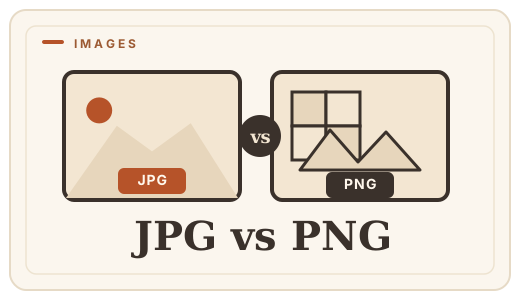
JPG vs PNG — which image format?
JPG vs PNG explained: compression, transparency, file size, and when each wins. Convert between them online — free, in your browser, no uploads.
Read the guide →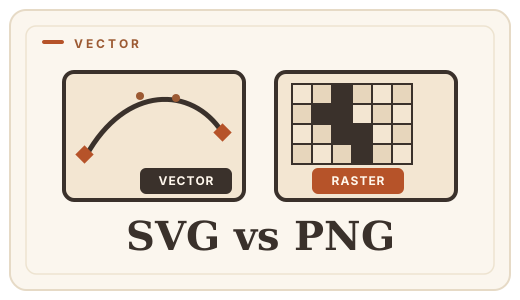
SVG vs PNG — vector or raster?
SVG scales to any size; PNG stays sharp at one. Learn which you need for logos, icons, and photos — and convert SVG to PNG free, in your browser.
Read the guide →
GIF vs WebP — animated images
GIF is heavy and stuck at 256 colors; WebP animates at a fraction of the size. See the real differences and convert images free, in your browser.
Read the guide →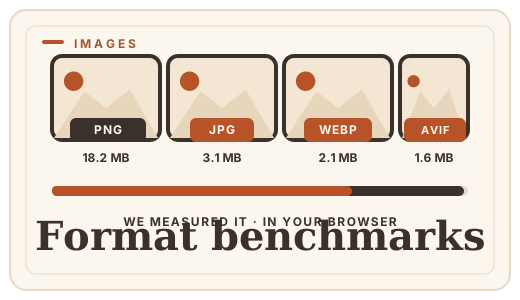
Image format benchmarks 2026
Real file-size numbers for WebP, JPG, PNG, and AVIF at equal visual quality, measured in-browser. No upload, no server — just data.
Read the guide →