image formats
SVG vs PNG: vector or raster, and when each wins
This is the oldest argument in image handling, and it has a clean answer. SVG is a set of drawing instructions (a vector); PNG is a fixed grid of colored dots (a raster). SVG scales to any size with zero quality loss; PNG is only ever as sharp as the pixels it was made from. The confusing part is that both formats are used for the same things — logos, icons, diagrams — and the wrong choice is usually invisible until you zoom.
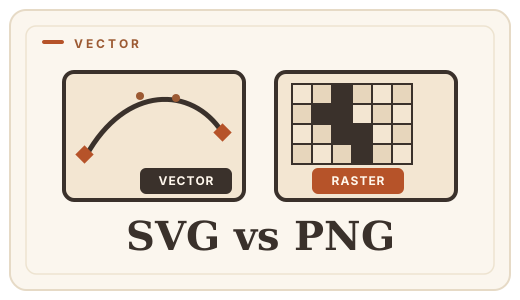
The deciding question: does it ever need to get bigger?
If yes, you want SVG. A vector logo can be printed on a billboard or shrunk to a favicon from the same file, perfectly. A PNG logo stretched past its natural size turns into a staircase of soft, blurry edges.
- SVG: logos, icons, charts, maps, illustrations, anything with flat shapes, text or curves.
- PNG: photos, screenshots of real interfaces, textures, anything with photographic gradients.
- Both are excellent for sharp-edged graphics — the difference only shows when size changes.
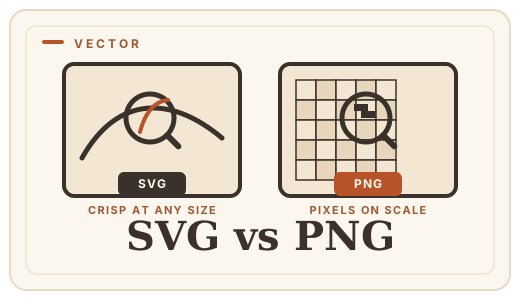
What you give up with SVG
SVG is not a universal fix. It cannot store a photograph sensibly (it would become millions of tiny shapes, slower and larger than a raster). It depends on a renderer, so the same SVG can look slightly different between browsers and software. And plenty of downstream tools — email clients, print services, game engines — do not accept SVG at all.
For those destinations, you rasterize: render the vector at a chosen size and save it as PNG. The trick is choosing the right size, because the PNG is now fixed forever. As a rule of thumb, export at 2× the largest size you expect to use.
The practical workflow
Keep the master as SVG, export PNGs for the destinations that need them. When a client or a form demands a PNG and hands you an SVG, rasterize it here — it runs locally, so nothing is uploaded, and you can pick any export size.
Frequently asked questions
Is SVG or PNG better for websites?
For logos and icons, SVG — it is a few hundred bytes, scales to any screen and can be styled with CSS. For photos and screenshots, PNG (or WebP). Many sites use SVG for the brand mark and PNG/WebP for imagery.
Can I convert SVG to PNG?
Yes. Optimal Convert rasterizes the SVG at its intrinsic size using the browser’s own renderer — [SVG to PNG](/convert/svg-to-png). Because it runs in your tab, your vector never leaves your device.
Why does my PNG logo look blurry when I zoom in?
Because a raster has a fixed pixel grid. Once the image is scaled up past 100%, the browser has to invent pixels. The fix is to re-export from the vector master at a larger size — or switch to SVG for anything that must zoom.
Does PNG lose quality when resized?
Yes — scaling a raster up interpolates missing detail, and scaling down discards it. That is why a PNG should be exported once, at the final size, from a lossless master.
Convert it
Each conversion runs in your browser — free, unlimited, and nothing is uploaded.
Share this guide
Ready-made social images for this post — sized for Facebook/Open Graph, Instagram and Pinterest. They match the card link previews show, and the same art is rendered locally for every format below.
Facebook · Open Graph
og:image — also LinkedIn, X and Slack previews
Download PNG
Instagram feed
square post · 1080px is Instagram’s native size
Download PNG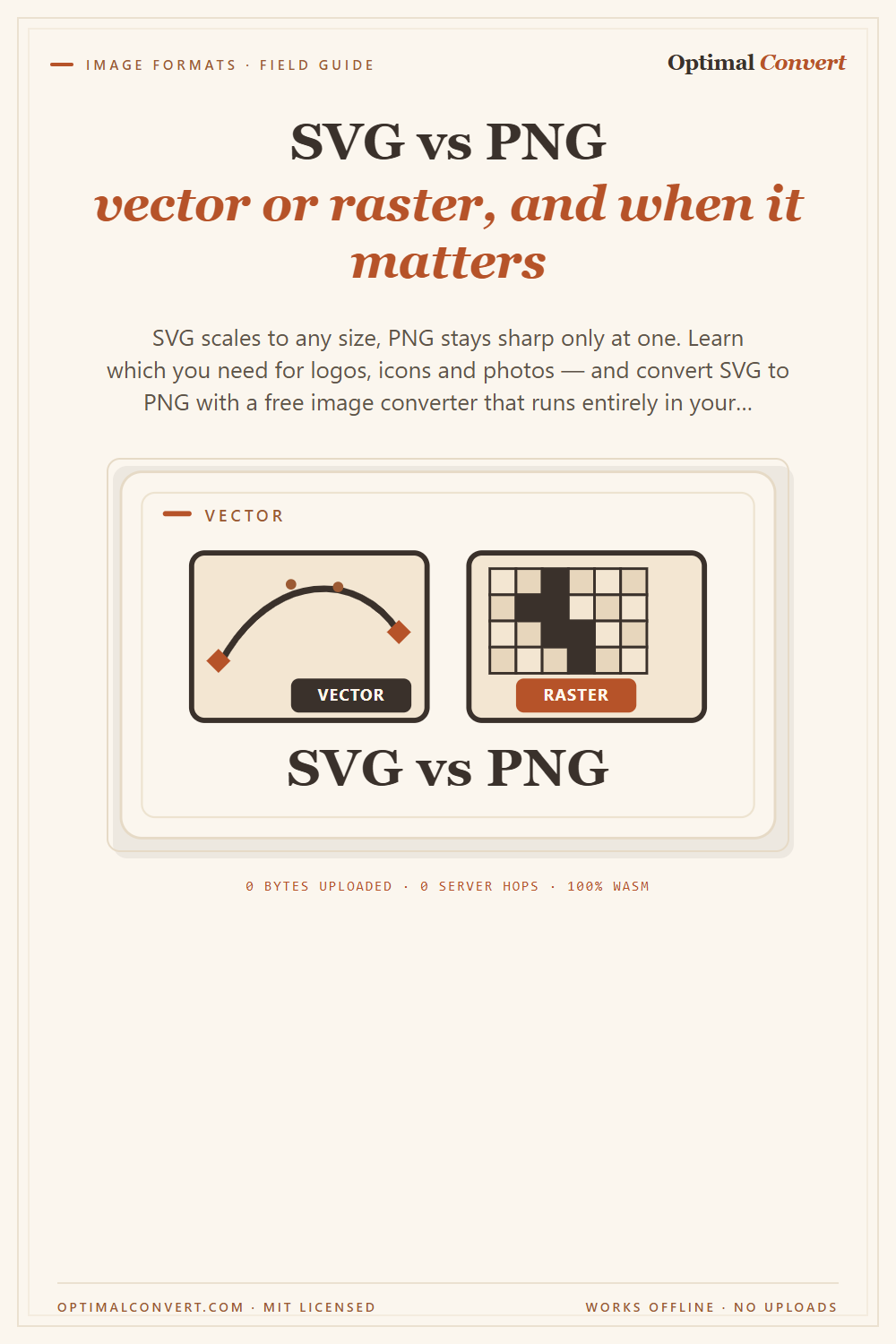
Pinterest pin
2:3 ratio · Pinterest’s recommended pin size
Download PNGKeep reading
JPG vs PNG — which image format?
JPG vs PNG explained: compression, transparency, file size, and when each wins. Convert between them online — free, in your browser, no uploads.
Read the guide →
PNG vs WebP — which to ship?
PNG vs WebP explained: WebP matches PNG’s losslessness at roughly half the file size. See when to switch — then convert PNG to WebP with a free PNG format converter that runs entirely in your browser.
Read the guide →
How to make a PDF from images
Turn JPG, PNG, WebP or HEIC photos into a single PDF in seconds, entirely in your browser. Step-by-step guide, no account, no upload.
Read the guide →