image formats
JPG vs PNG: which image format should you use?
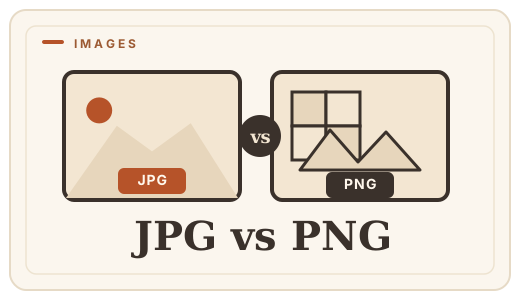
Two letters separate them, but JPG and PNG are built for very different jobs. JPG squeezes photos into small files by throwing away detail you probably won’t notice; PNG keeps every pixel exactly as it was, at the price of a bigger file. Neither is "better" — they answer different questions, and the answer rarely has to be permanent. You can convert JPG to PNG or PNG to JPG in a couple of seconds, right in your browser.
The short version
If you are saving a photograph for the web, email or a chat app, choose JPG — it will be a fraction of the size at virtually the same look. If you are working with logos, screenshots, diagrams or anything that has text, sharp edges or transparency, choose PNG.
| JPG | PNG | |
|---|---|---|
| Compression | Lossy — discards detail | Lossless — keeps every pixel |
| Transparency | None | Yes, full alpha support |
| File size (photo) | Small | Much larger |
| Best for | Photos, gradients, web | Logos, text, screenshots, diagrams |
| Editable layers | No | No (but lossless re-edits) |
What JPG actually does
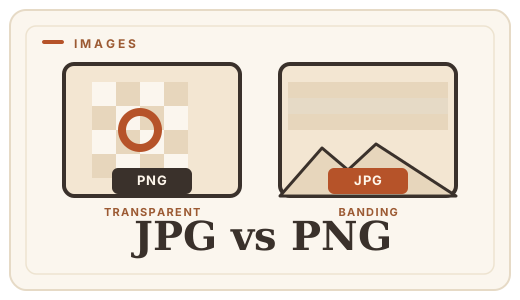
JPG was designed in the early 1990s to make photographs small enough to transmit over slow connections. It does this by a trick called lossy compression: it groups similar pixels together and keeps a compressed approximation of the block instead of the exact values. The encoding is tuned so that the noise a human eye ignores is exactly what gets thrown away first.
The practical consequences are simple. A 12-megapixel photo that is 30–60 MB as a RAW file might land around 3–6 MB as a JPG. You can push it much further — down to 200 KB — but then "compression artifacts" appear: soft smudges, blocky edges and a slight color wash. That is the trade you are making, and it is almost always the right one for a photo.
JPG also has a second, quieter limitation: it does not support transparency. An invisible "hole" in an image can’t be represented, so anything you want to layer over a colored background needs a different format.
What PNG does differently
PNG arrived in the mid-1990s as a patent-free successor to GIF. Its defining property is lossless compression: the pixels you put in are the pixels you get out, every time. Re-save a PNG a hundred times and it never degrades. That makes it the format of choice for anything where exactness matters — text, logos, UI screenshots, charts, diagrams.
It also handles transparency properly, with 254 levels of partial opacity rather than just on-or-off. So a PNG logo can fade into any background cleanly. The cost is file size: a photographic image saved as PNG is typically 3–5× the size of the same image as JPG, because there is no detail to discard.
Frequently asked questions
Is JPG or PNG better for print?
For full-color print, a high-quality JPG is usually fine — 300 dpi and a low compression level. PNG’s losslessness rarely matters once ink hits paper because a printer can’t reproduce the exact pixel values anyway. Keep the original file as the master and export the copy for print.
Does converting JPG to PNG improve quality?
No — and it cannot. A JPG has already discarded detail; converting to PNG faithfully preserves the JPG you have, it does not invent the detail that was lost. It is still useful when you need transparency or want to stop further degradation, but the best time to pick PNG is before the photo is ever saved as JPG.
Why are my PNG files so large?
Because PNG stores every pixel exactly. For photographic content that is a lot of data. If size is the problem and you do not need transparency, JPG or WebP will shrink it dramatically with little visible change.
Can I convert JPG to PNG without losing quality?
Yes — PNG is lossless, so the JPG’s pixels are stored exactly as they are. The conversion does not degrade the file further. Use Optimal Convert’s [JPG to PNG converter](/convert/jpg-to-png); everything runs locally, so your file never leaves your device.
Convert it
Each conversion runs in your browser — free, unlimited, and nothing is uploaded.
Share this guide
Ready-made social images for this post — sized for Facebook/Open Graph, Instagram and Pinterest. They match the card link previews show, and the same art is rendered locally for every format below.
Facebook · Open Graph
og:image — also LinkedIn, X and Slack previews
Download PNG
Instagram feed
square post · 1080px is Instagram’s native size
Download PNG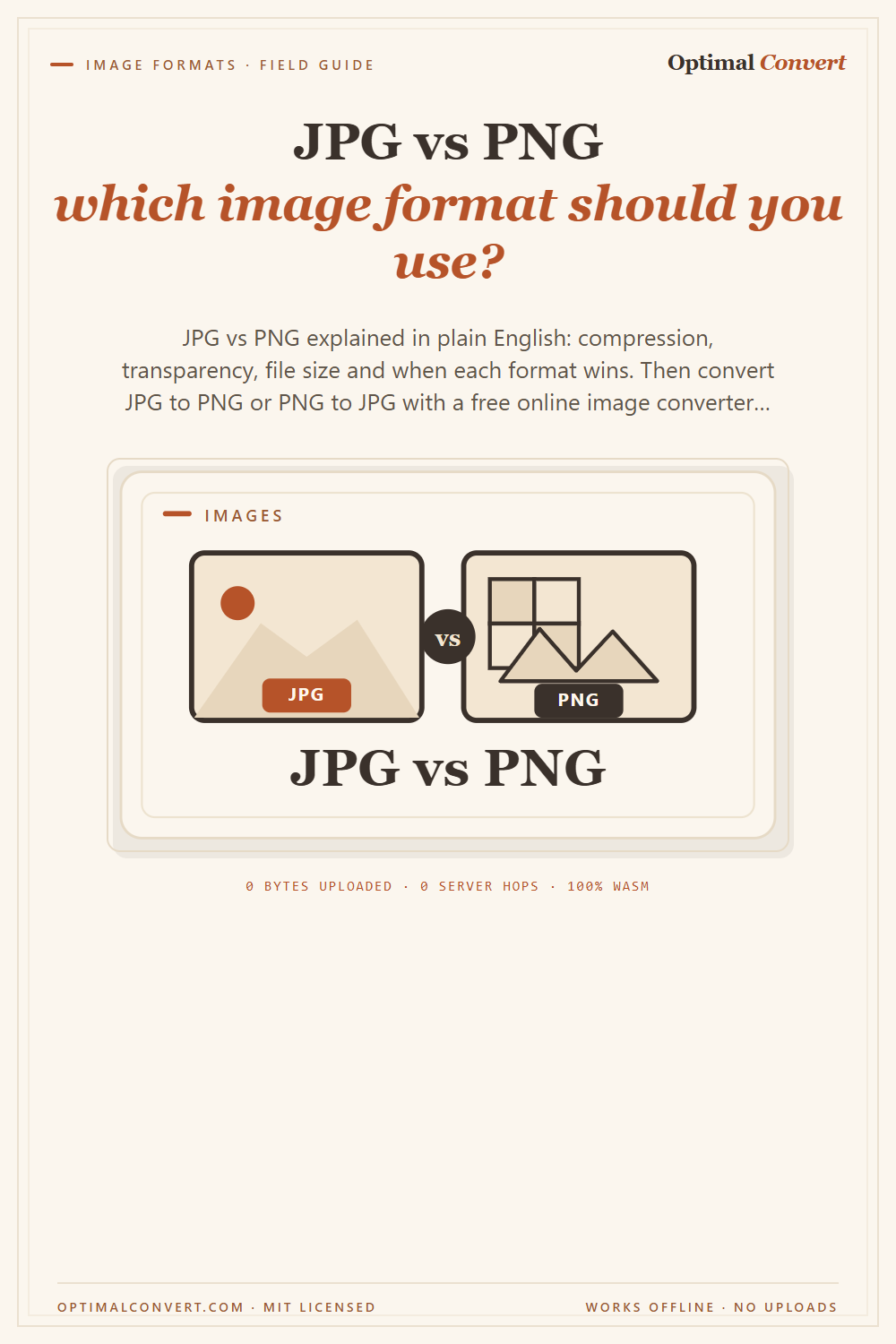
Pinterest pin
2:3 ratio · Pinterest’s recommended pin size
Download PNGKeep reading
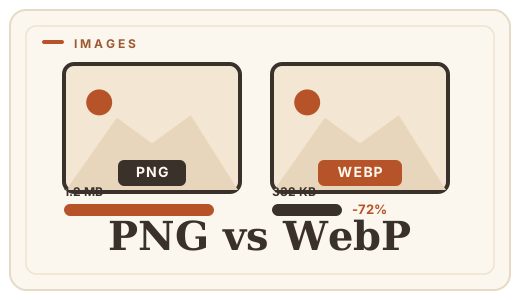
PNG vs WebP — which to ship?
PNG vs WebP explained: WebP matches PNG’s losslessness at roughly half the file size. See when to switch — then convert PNG to WebP with a free PNG format converter that runs entirely in your browser.
Read the guide →
What is WebP?
WebP is Google’s image format that makes web images 25–35% smaller with no visible quality loss. A plain-English explainer — and how to convert images to WebP online, free, in your browser.
Read the guide →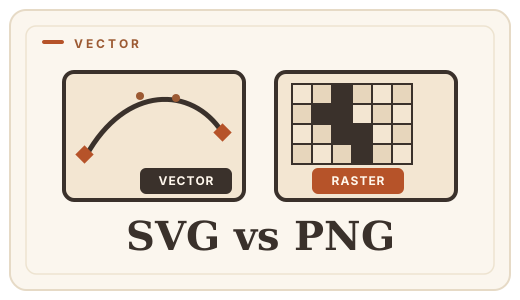
SVG vs PNG — vector or raster?
SVG scales to any size; PNG stays sharp at one. Learn which you need for logos, icons, and photos — and convert SVG to PNG free, in your browser.
Read the guide →