audio converters
Convert audio to MP3 or WAV in your browser
Optimal Convert converts audio between MP3 and WAV, and transcodes FLAC, OGG, M4A and AAC to MP3 — including the audio track of an MP4 video. The Web Audio API decodes on your device and the LAME encoder writes the MP3; you can resample and force mono before encoding. No uploads, no accounts, no waiting in line.
- LAME MP3 at adjustable bitrate, re-sampled if you like
- Lossless WAV at the source sample rate
- MP4 video → MP3 audio-track extraction
- FLAC, OGG, M4A & AAC decode on device (input-only)
Audio converters
Every audio converters Optimal Convert supports, with its own page and a preconfigured converter.
More converters
Popular guides
Plain-English explainers of the formats in this hub — what each one is for and when to convert.
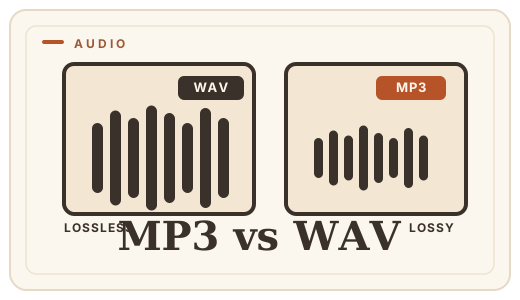
MP3 vs WAV — which audio format?
MP3 is small and universal; WAV is exact and huge. Learn which your project needs, then convert WAV to MP3 or MP3 to WAV free, in your browser.
Read the guide →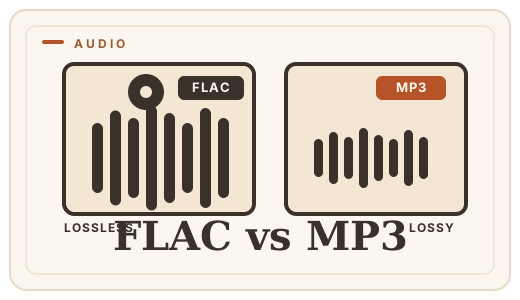
FLAC vs MP3 — lossless vs lossy
FLAC is a perfect copy; MP3 is an approximation. Learn when the difference matters, and convert FLAC to MP3 with a free audio converter — no uploads.
Read the guide →Private by design
This page runs entirely in your browser. Files are read, converted and saved on your own device using WebAssembly and the browser’s native codecs — nothing is uploaded, there is no account, and your bytes never leave your machine. Not even we can see them.