image formats
HEIC vs HEIF: same codec, different wrapper
Your iPhone stores photos as HEIC, but the standard it belongs to is called HEIF — and the difference confuses everyone who Googles "HEIC vs HEIF". Short version: HEIF is the format family, HEIC is Apple’s version of the container, and the codec inside is the same. That is why they behave identically in practice, and why converting works the same way for both. This guide separates the container from the codec — and shows you how to convert HEIC to JPG in your browser when a destination demands it.
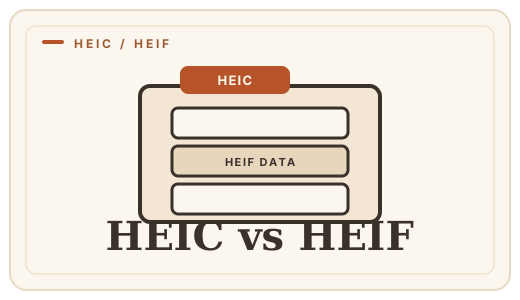
A standard and a wrapper
HEIF stands for High Efficiency Image File Format, an ISO standard (ISO/IEC 23008-12) that describes how to store one or more images — including derived versions, image sequences and metadata — in a single file. Crucially, HEIF does not say which codec must be used: the file simply carries compressed image data of whatever kind it declares.
HEIC is Apple’s implementation of that standard. It is a HEIF file whose images are compressed with HEVC (H.265), the high-efficiency video codec. When your iPhone is set to High Efficiency, every photo you take is saved as HEIC — a HEIF file with HEVC inside. Same family, same behavior; just a more specific name.
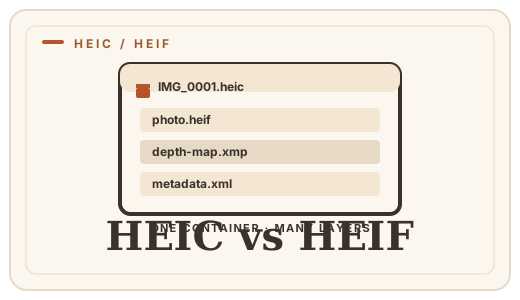
The two compared
| HEIC | HEIF | |
|---|---|---|
| What it is | Apple’s HEIF container for photos | The ISO/IEC 23008-12 standard |
| Codec inside | HEVC (H.265) | Anything the file declares — typically HEVC, AV1 or JPEG |
| Where you meet it | iPhone and iPad photos | HEIF-capable cameras and apps |
| File extension | .heic | .heif and others |
| Opens on | Modern Windows, macOS, iOS, Android | Depends on the codec inside |
Why everyone hits HEIC
Since iOS 11, the iPhone has defaulted to High Efficiency mode, so HEIC is what most people actually encounter. The format holds roughly twice the detail of a JPG at the same size — a great deal for your photo library and a compatibility headache everywhere else, because many websites, forms, email clients and older programs still expect JPG or PNG.
HEIF files from cameras or Android devices are rarer and behave the same way: if a destination cannot open it, converting a copy fixes it regardless of the exact extension.
When you need to convert
Keep HEIC/HEIF as your archive — it is the better format. Convert a JPG copy for any destination that asks for one: HEIC to JPG for forms, email and uploads, HEIC to PNG when you need lossless or transparency, and HEIC to WebP for the web. All three run locally in your browser — your photos never leave your device.
Frequently asked questions
Are HEIC and HEIF the same thing?
Nearly, in practice. HEIF is the standard, HEIC is Apple’s version of it with HEVC-compressed photos. Your iPhone’s HEIC files are HEIF files, and they convert and behave the same way.
Which file is smaller — HEIC or HEIF?
The extension does not decide the size; the codec inside does. HEIC uses HEVC, so two photos at the same resolution compress to similar sizes whether the file is named .heic or .heif.
Why can’t I open a HEIC file?
The viewing software predates HEIF support — anything unupdated since roughly 2017 is the usual culprit. Update the app, or convert a JPG or PNG copy with a [HEIC converter](/convert/heic-to-jpg).
Is HEIC better than JPG?
Yes, for storage: about half the size at the same quality, which is why Apple defaults to it. The trade is compatibility, and the fix is converting a copy when a destination needs JPG. See [HEIC vs JPG](/guides/heic-vs-jpg).
Convert it
Each conversion runs in your browser — free, unlimited, and nothing is uploaded.
Share this guide
Ready-made social images for this post — sized for Facebook/Open Graph, Instagram and Pinterest. They match the card link previews show, and the same art is rendered locally for every format below.
Facebook · Open Graph
og:image — also LinkedIn, X and Slack previews
Download PNG
Instagram feed
square post · 1080px is Instagram’s native size
Download PNG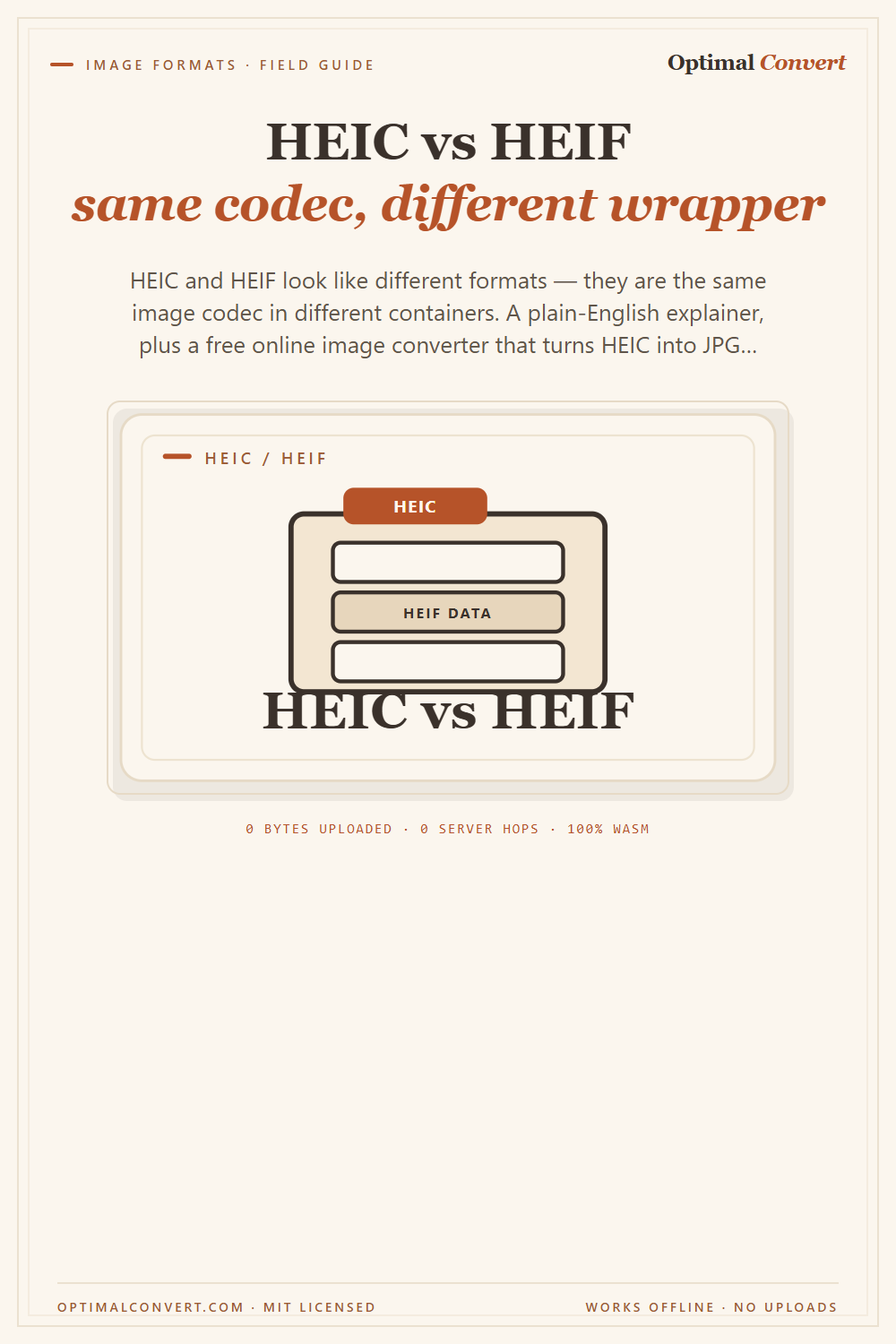
Pinterest pin
2:3 ratio · Pinterest’s recommended pin size
Download PNGKeep reading
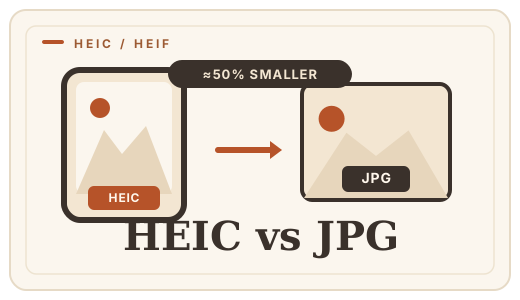
HEIC vs JPG — iPhone photo compatibility
Why your iPhone saves HEIC, when it becomes a problem, and how to convert HEIC to JPG online in your browser — free, no uploads, no app to install.
Read the guide →
How to convert HEIC to JPG on any device
Convert HEIC to JPG online in your browser — no app to install, no photo uploaded. Step-by-step for every device.
Read the guide →
JPG vs PNG — which image format?
JPG vs PNG explained: compression, transparency, file size, and when each wins. Convert between them online — free, in your browser, no uploads.
Read the guide →